Showing a Permit at a Uwharrie Forest Gate
Showing a permit at a Uwharrie Forest gate can be confusing if you expect a staffed checkpoint or assume a receipt is enough. The practical approach is to confirm the current permit rules before driving, get one for each machine that needs one, and keep it available in the form the Forest Service requires. Here’s how to prepare and what to do when you reach the trailhead.
What to have ready before you reach the gate
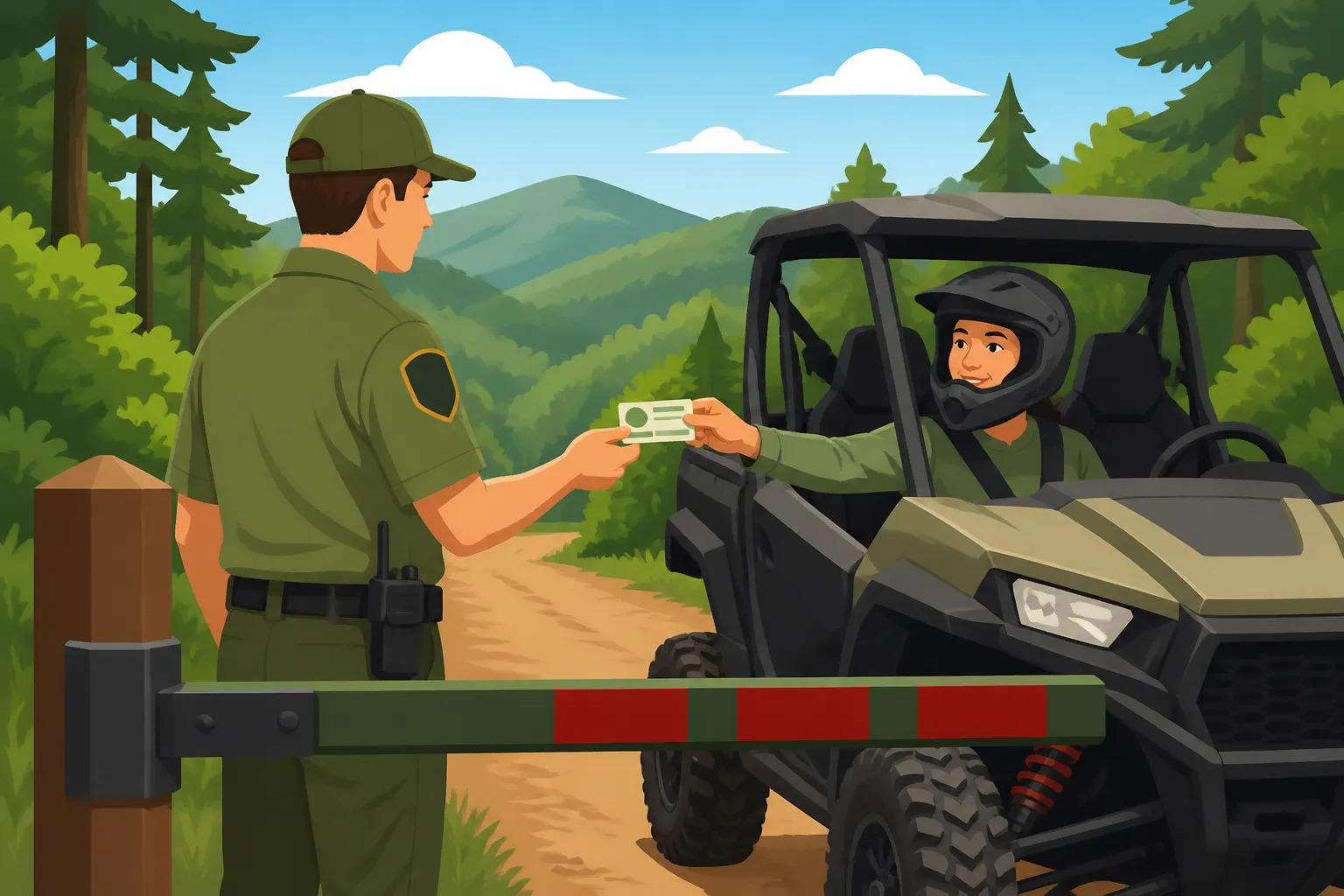
At Uwharrie, “showing a permit” does not necessarily mean handing paperwork to someone at a booth. A trailhead may be unattended, and access arrangements can vary. The permit may need to be displayed on the machine, while a ranger or other authorized official may ask to see it during a check. Read the permit instructions and the signs at the entrance rather than assuming there will be a person at the gate.
Start by checking whether your planned riding area requires a permit and which permit applies to your trip. The overview in Do You Need a Permit for North Carolina Forest Trails? helps distinguish forest permits from other requirements. For Uwharrie details, check North Carolina Forest OHV Permits and the current information for the trail system before you leave. Permit rules, purchase options, and operating dates can change, so verify them through the official forest or district information.
Make sure you have a permit for every machine that requires one. A permit for the driver, tow vehicle, or group does not automatically cover all the ATVs or UTVs on a trailer. The general rule is summarized in Every Machine Needs Its Own Trailhead Box Permit. If you are bringing several machines, count them before buying permits and confirm whether your chosen permit type is issued per vehicle.
| Before you arrive | What to check |
|---|---|
| Permit coverage | Whether the riding area requires a permit and which permit type applies |
| Number of permits | Whether each machine needs its own permit |
| Display instructions | Where and how the permit must be displayed |
| Proof to carry | Whether you must keep a permit, receipt, or other proof available |
| Trail status | Whether the trails and access points are open for your planned visit |
| Other requirements | Whether a safety certificate or separate equipment rules apply |
Do not treat a payment confirmation as a substitute for the permit unless the official instructions specifically say it is accepted. A receipt may show that you paid, but it might not satisfy a display requirement. Keep the permit itself and any purchase confirmation until you have checked what must be displayed and what you should carry.
If you plan to buy a permit on the way or at a trailhead, check where sales are available and whether the location will be open when you arrive. Buying a Uwharrie Permit the Morning of a Ride covers why leaving this task until the last minute can create problems. A self-service option may not be available at every entrance, and mobile service or payment options may be limited where you are riding.
Before loading up, also check for closures, temporary notices, and changes to access. A valid permit does not authorize travel on a closed trail or around a barrier. Checking a Forest Notice Before You Load is a useful reminder to confirm conditions before making the drive.
At the entrance: display the permit as directed
When you reach the trailhead, pause and read the posted signs before unloading or riding past the entrance. Look for directions about permit display, where riding is allowed, and any current restrictions. If the instructions say to affix a permit to the machine, put it where the directions specify. If the permit comes with placement instructions, follow those rather than choosing a spot that seems convenient.
The exact display method can depend on the permit issued and the current rules. Don’t assume that a permit tucked in a pocket, attached to a trailer, or kept in a truck counts as being displayed on the machine. For more on placement, see Where a Uwharrie Forest Permit Goes on Your Machine. The permit should be readable and visible as required, while being protected from ordinary mud, water, and abrasion as much as the instructions allow.
If the entrance uses a self-service payment or permit station, follow its posted process. Keep any issued permit and receipt together until you have read the display directions. If a station is out of supplies, unclear, or appears to be unavailable, don’t guess that a handwritten note or payment record is acceptable. Use the contact or alternative instructions posted by the Forest Service, or confirm the right procedure before riding.
A gate or barrier is not proof that a permit has been checked. Some entrances may be unattended, and an open gate does not mean the area is open to riding without a permit. Likewise, a closed gate may indicate a closure or access restriction, not an invitation to go around it. Check the sign and current notices; never bypass a barrier to reach a trail.
If you have several machines, make sure the permit assigned to each one is displayed on that machine. Avoid placing all the permits on one vehicle or leaving them in the tow vehicle while the group rides. If one machine is swapped, added, or substituted after you purchase permits, check the permit terms before using it. A permit issued for one vehicle may not transfer to another.
If a ranger or official asks to see it
A permit check can happen away from the entrance, so leave the permit displayed for the duration of the ride and keep any required proof accessible. If an authorized official asks to see the permit, stop in a safe place and provide what the current rules require. If the permit is mounted on the machine, point it out rather than removing it unless asked.
Keep your purchase record separate from the displayed permit. A phone screenshot can be useful as a backup record, but it should not be treated as a replacement for a physical permit or display requirement unless the official instructions allow it. Phone batteries fail, screens are hard to read in glare, and service may be unreliable in the forest. If the permit is issued in a digital format, check whether riders must display it on a device or carry another form of proof.
For a paper receipt or permit that needs protection, a small waterproof document sleeve can help keep it legible in wet conditions. A basic sleeve from a store or Amazon may work for a paper backup, but it is not a substitute for the required permit display. Do not cover a permit in a way that obscures required information or conflicts with its attachment instructions.
If you realize that a permit is missing, damaged, or assigned to the wrong machine, stop and check the official instructions before continuing. A payment confirmation, a permit belonging to another machine, or a verbal explanation may not resolve the problem. When the correct next step is not clear, contact the appropriate forest or district office rather than relying on what another rider says.
A permit is also only one part of preparing for a ride. It does not replace a safety certificate where one is required, permission to ride on private land, or compliance with trail and equipment rules. North Carolina’s forest permit rules and birth-year safety certificate requirements are separate topics. See North Carolina’s Birth-Year Safety Certificate and Carrying a Safety Card on a North Carolina Ride if those requirements may apply to someone in your group.
Common mistakes to avoid
The most common gate problems are preventable: arriving without checking current instructions, buying too few permits, and assuming a payment receipt or phone image is enough. A quick check before departure can save a long drive back or a ride that cannot proceed as planned.
Avoid these assumptions:
- “The gate is open, so no permit is needed.” Access and permit requirements are separate. Check the signs and official trail information.
- “One permit covers our whole group.” Confirm how permits are issued. A permit may be required for each machine.
- “The receipt is the permit.” Use the receipt as proof of purchase, but follow the specific display and carry instructions.
- “I can sort it out at the gate.” Do not count on a staffed booth, an operating sales point, cell service, or available supplies.
- “A permit covers every trail.” A permit does not override closures, trail restrictions, or limits on where a machine may travel.
- “I can move the permit to a different machine.” Check transfer rules before changing vehicles; do not assume permits are interchangeable.
A simple routine works well: verify the permit and trail status before leaving, match each permit to the correct machine, display it exactly as instructed, and keep the purchase record or other required proof available. At the entrance, read the board before unloading. If anything differs from what you expected, stop and follow the posted direction instead of improvising.
Disclaimer
This article is for general informational purposes only and does not constitute professional advice. Laws, prices and regulations vary by location and change over time. Consult a qualified professional for guidance on your specific situation.